Live demo

AppSystem

One platform for call center, invoicing, and team operations โ€” built so teams see only what their role needs, and new modules snap in without touching the core.

Try the live demo View on GitHub

Support and billing, one shared record

Most teams run their call center and their invoicing in separate tools with no shared customer record. AppSystem keeps customers, products, calls, and invoices in one place โ€” while each team only ever sees the modules and data their role grants them.

Multi-tenant from the ground up

Every organization (tenant) gets its own isolated database. A Global Admin oversees all tenants and users from one panel, while each tenant's local admins manage their own teams and roles โ€” without ever seeing another tenant's data.

1
Set up your tenant
Provision an isolated database and create your first teams and users in minutes.
2
Assign teams & roles
Group staff into teams, then grant each team exactly the modules it needs.
3
Run the business
Call center, invoicing, and customer records โ€” one dashboard, one login.
๐Ÿ“ž
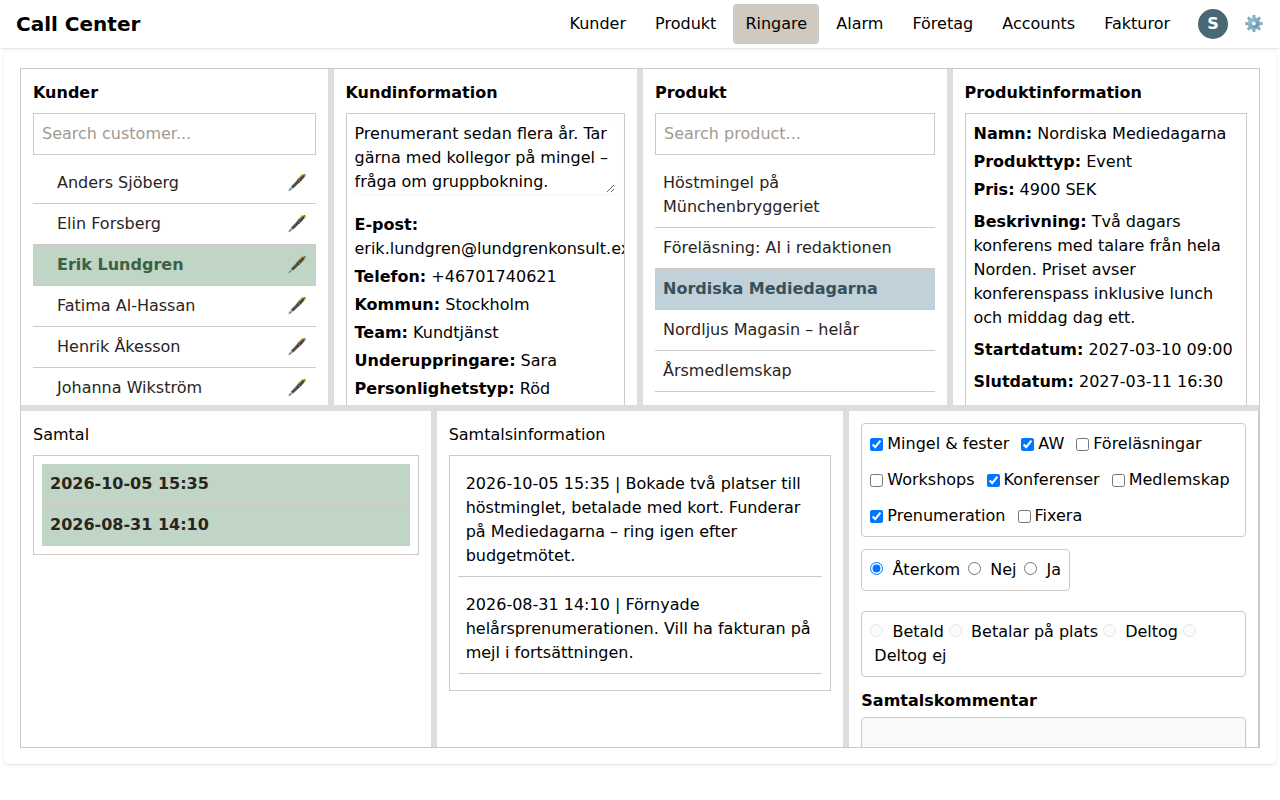
Call Center
Live customer queue with real-time, WebSocket-driven call handling and logging.
โฐ
Alarms & Reminders
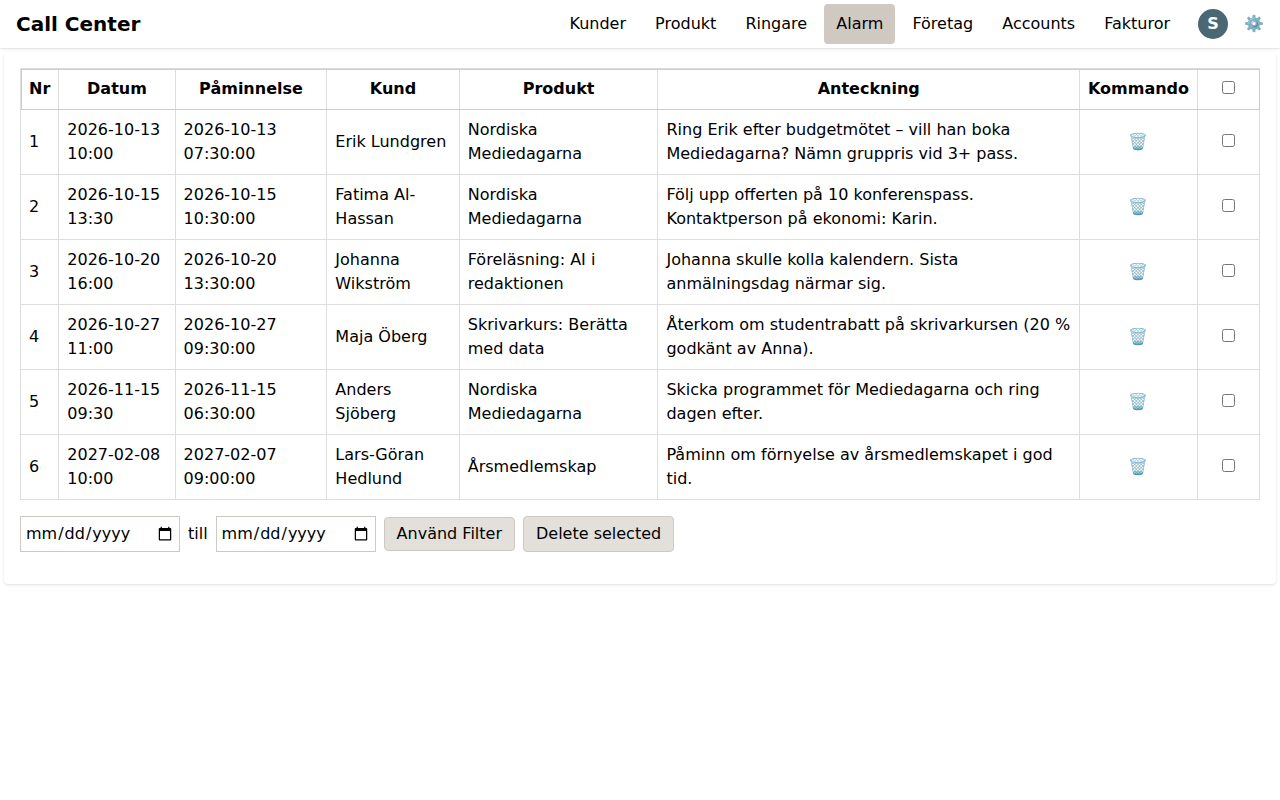
Scheduled reminders tied to customers and products, run by a background scheduler.
๐Ÿงพ
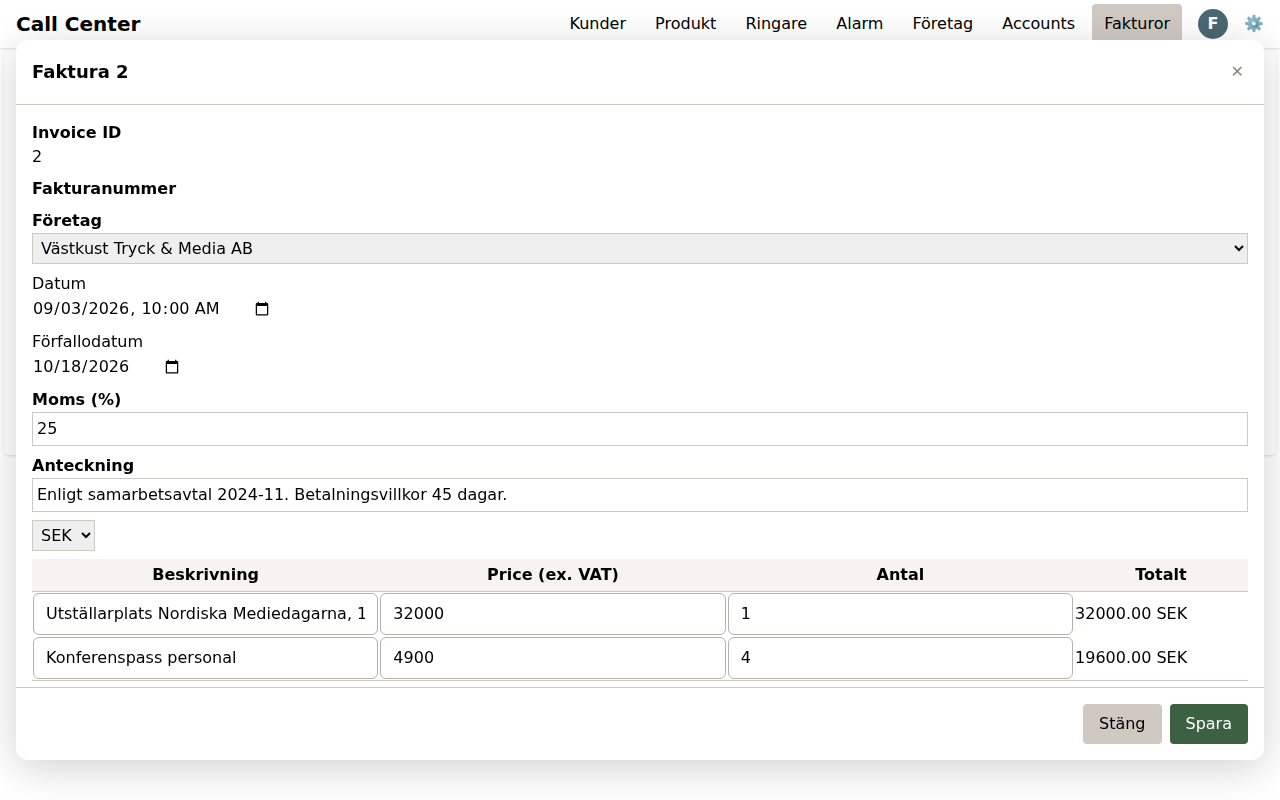
Invoicing & Companies
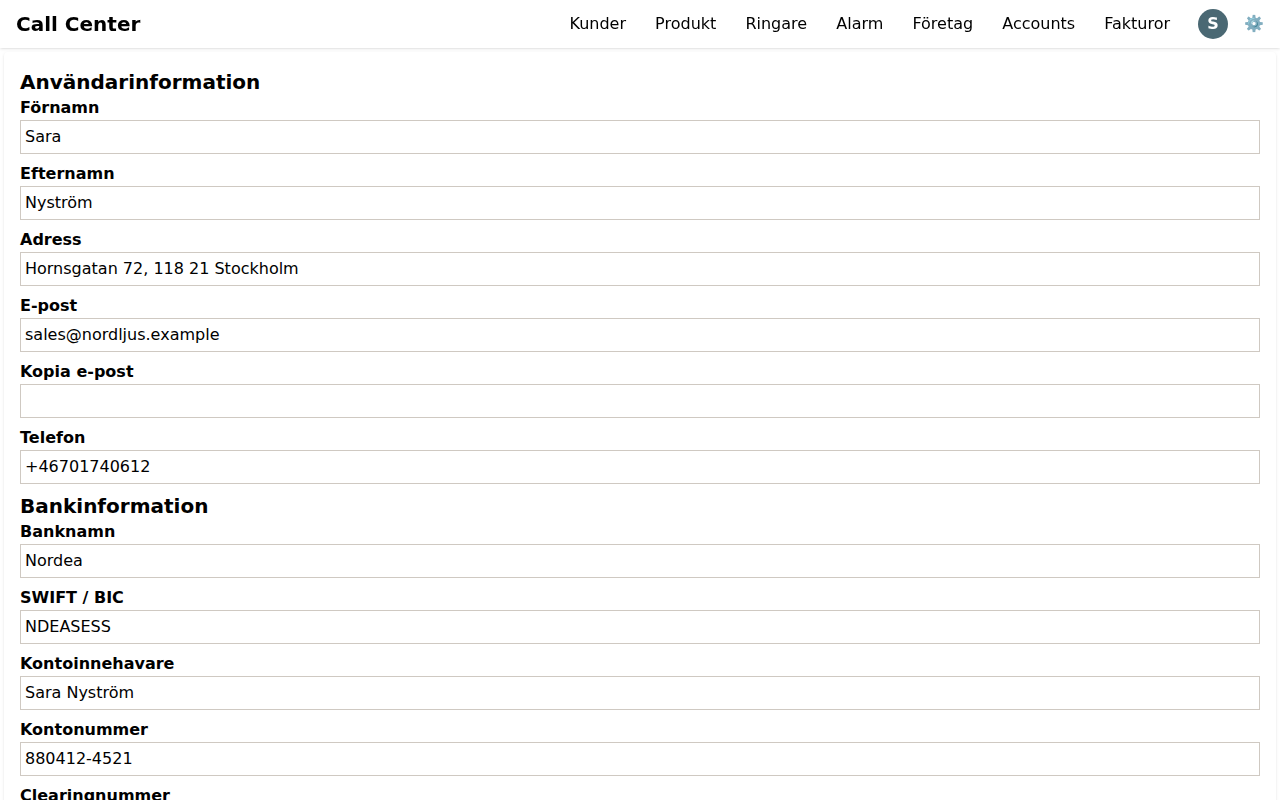
Sequential invoice numbering, client records, and bank account details.
๐Ÿ‘ฅ
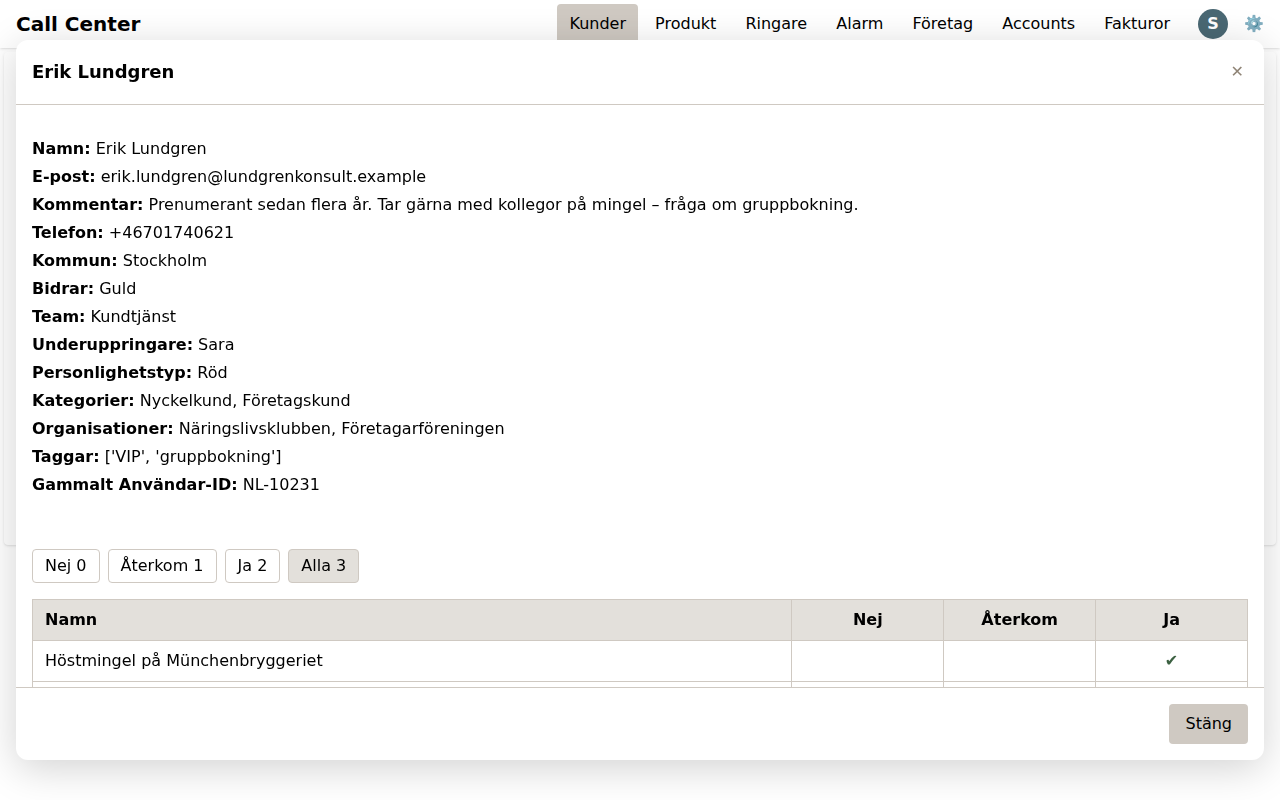
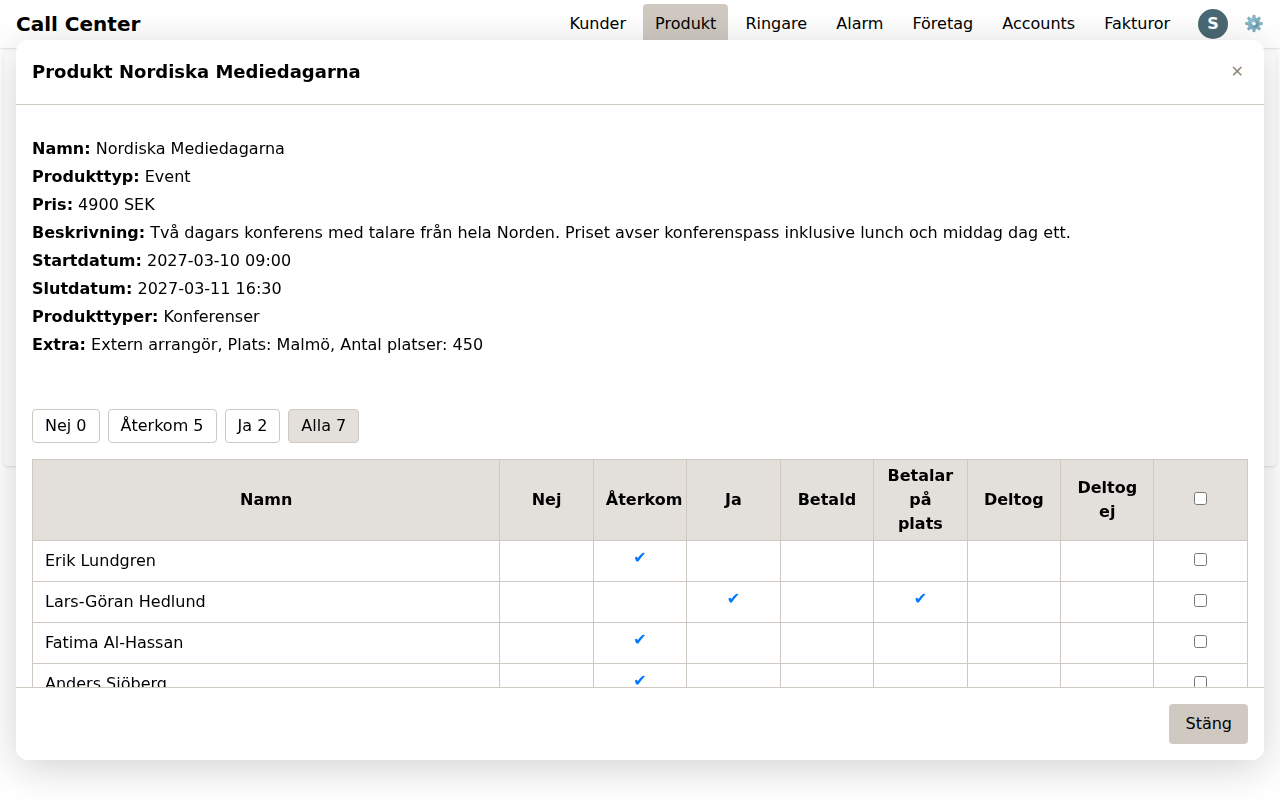
Customers & Products
A shared customer database and product catalog, with per-customer status tracking.
๐Ÿ—‚๏ธ
Teams & Roles
Per-module roles by team โ€” one team runs Call Center + Alarms, another only Invoices + Companies.
๐Ÿ”
Secure by default
Email + password login with optional two-factor verification via a one-time magic link.

Built to extend

Every business module โ€” Customers, Invoices, Call Center โ€” is a self-contained "vertical": its own routes, templates, and permissions. New modules are auto-discovered and added to navigation automatically. No changes to core application code.

  1. 1. Add verticals/<name>/__init__.py with a manifest (label, order, routes)
  2. 2. Add routes and templates for the module
  3. 3. Restart โ€” the module appears in navigation, with roles applied automatically

Try it yourself

This is a live demo tenant, seeded with sample customers, products, calls, and invoices.

email: sales
password: 1234
Log in to the demo